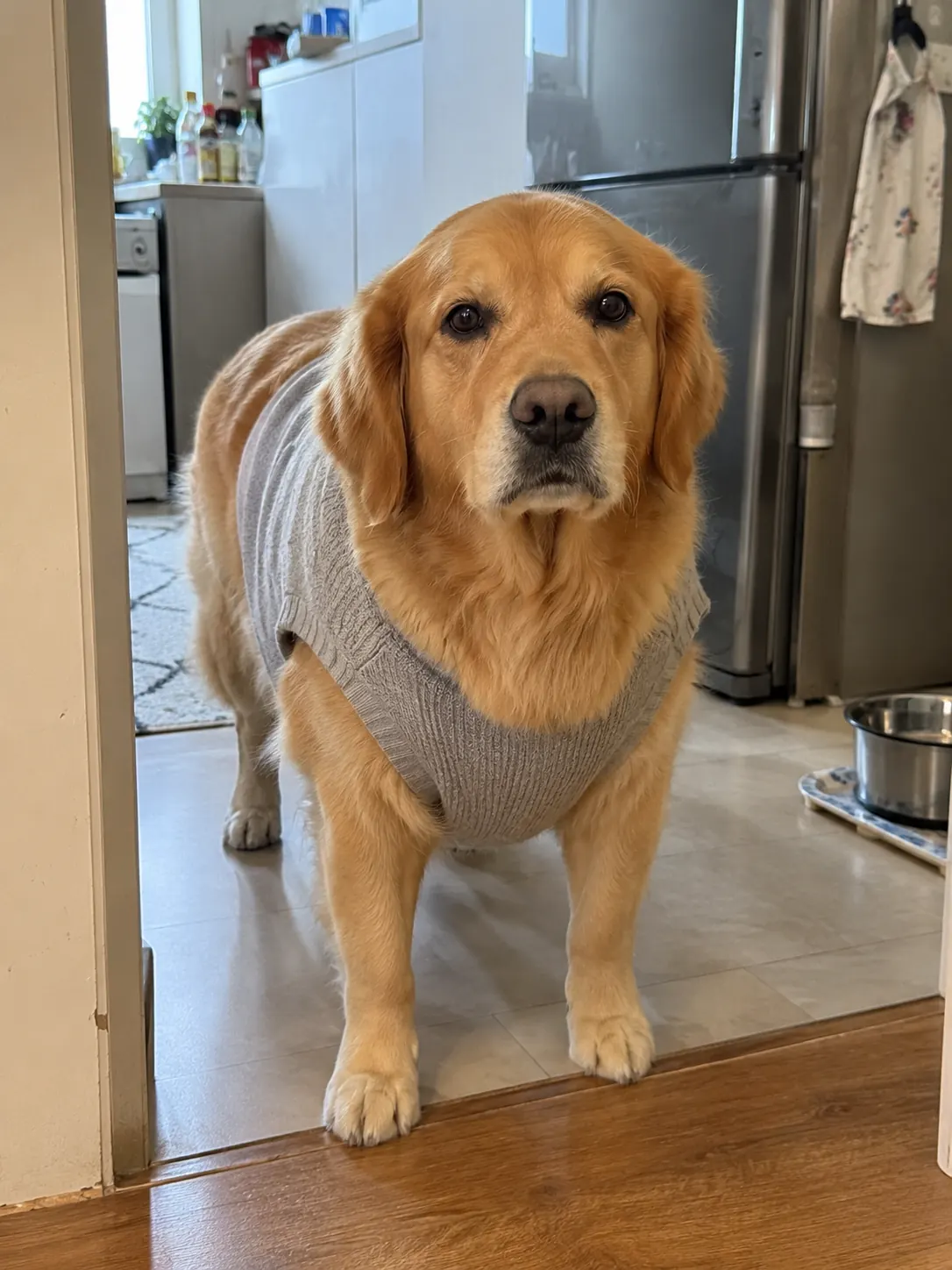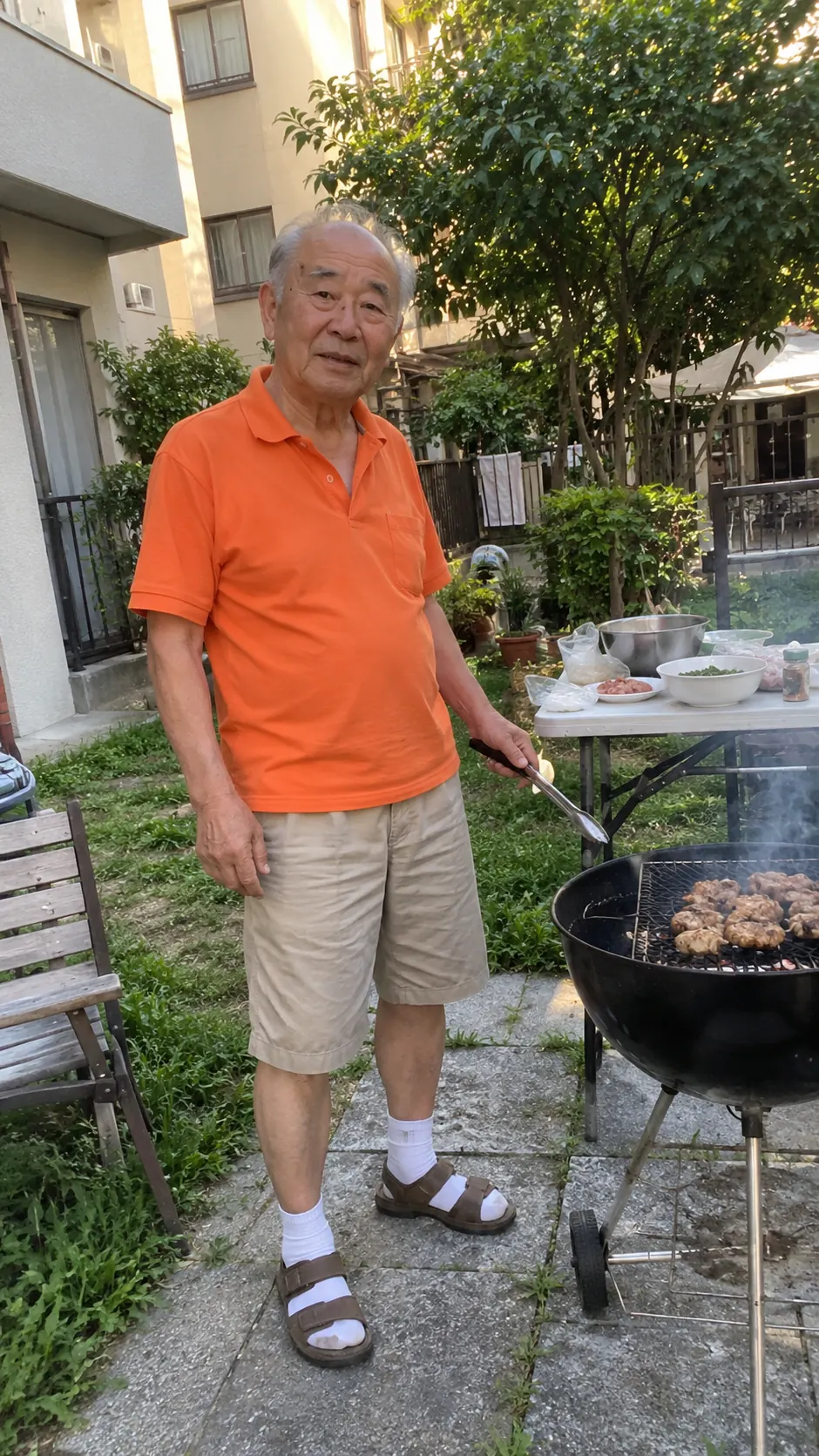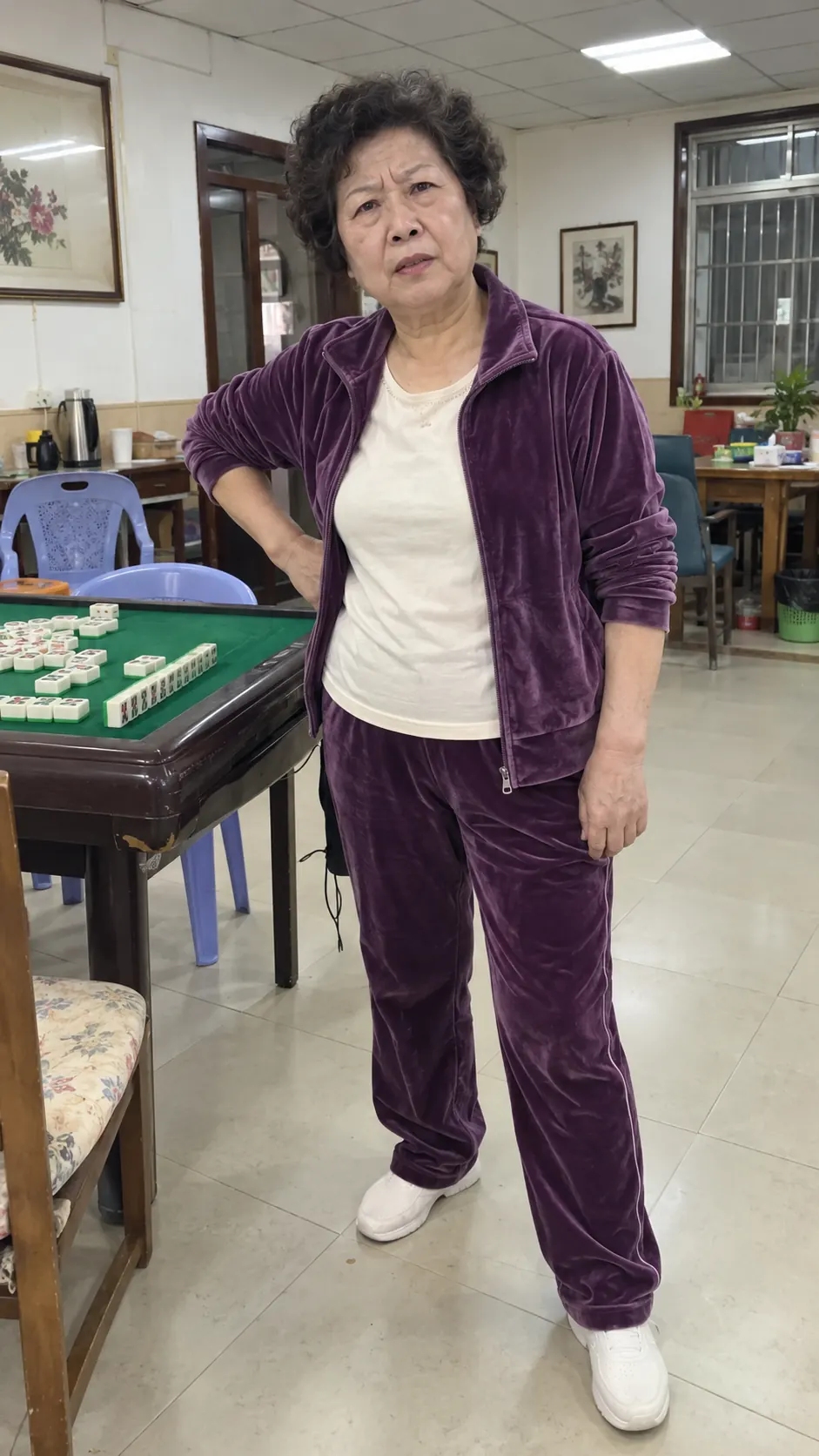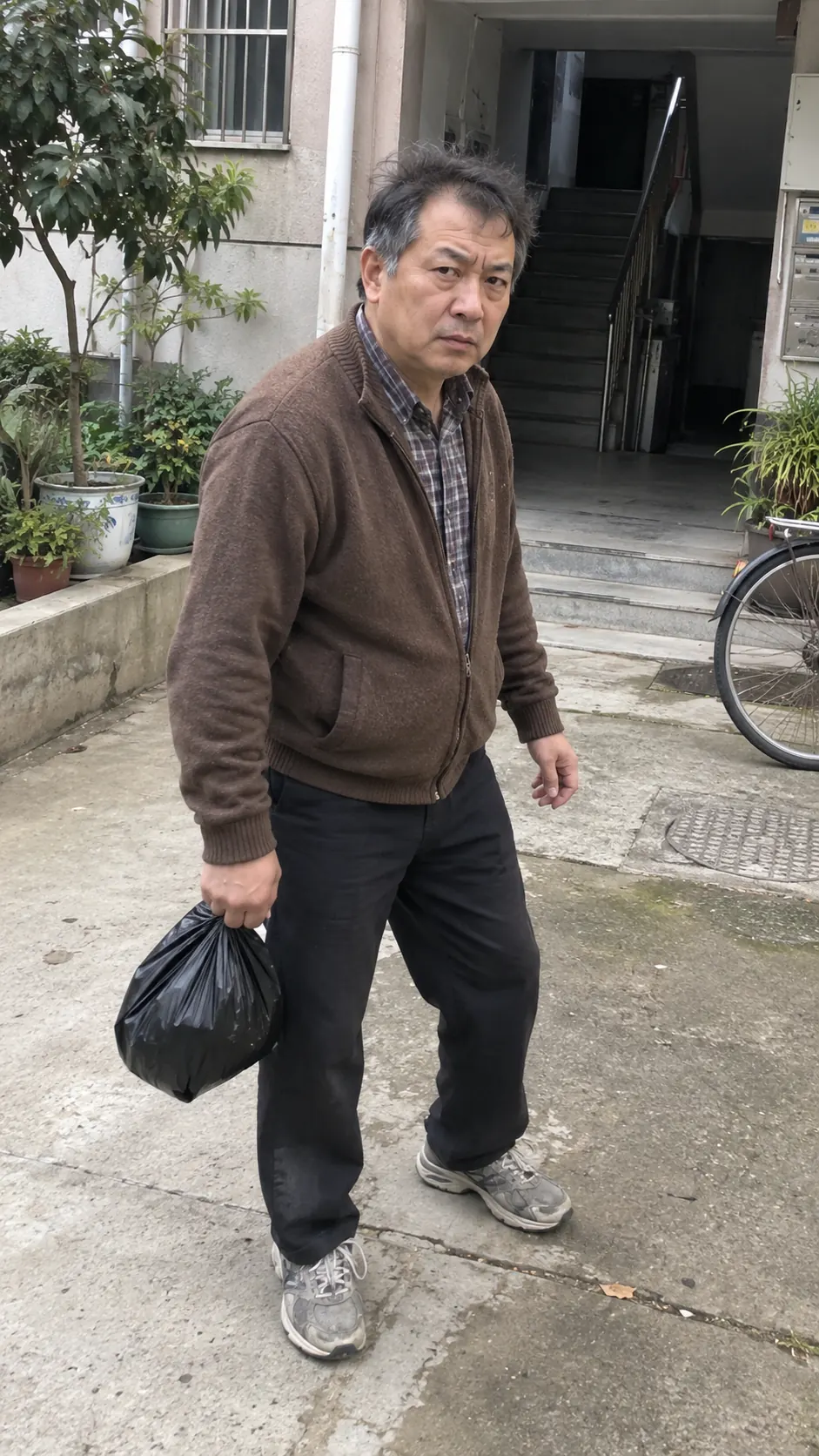
One photo · up to 4 friends · no prompt

Ozil Goal AI Video Generator

Put yourself in the goal. Add up to four consenting adult friends as defenders, or start with just one photo. Create a 15-second AI football video without writing a prompt.

Choosing a photo is free. No credits are used yet.

Ozil Goal AI

  1. Photo
  2. Cast
  3. Create

Step 1Choose attacker photo

Use your own photo or a consenting adult’s. No photos of other minors or public figures.

Real Ozil Goal AI Examples: Inputs & Results

See the exact attacker, defender and stadium references used for one completed Ozil Goal AI video, then play the full 15-second Standard 480p result. Explore two more generated examples below.

Verified input-to-output example

Grandma’s Got Tekkers

6 EXACT REFERENCES · 1 ACTUAL RESULT

Exact reference images

These six files were used for this completed generation.
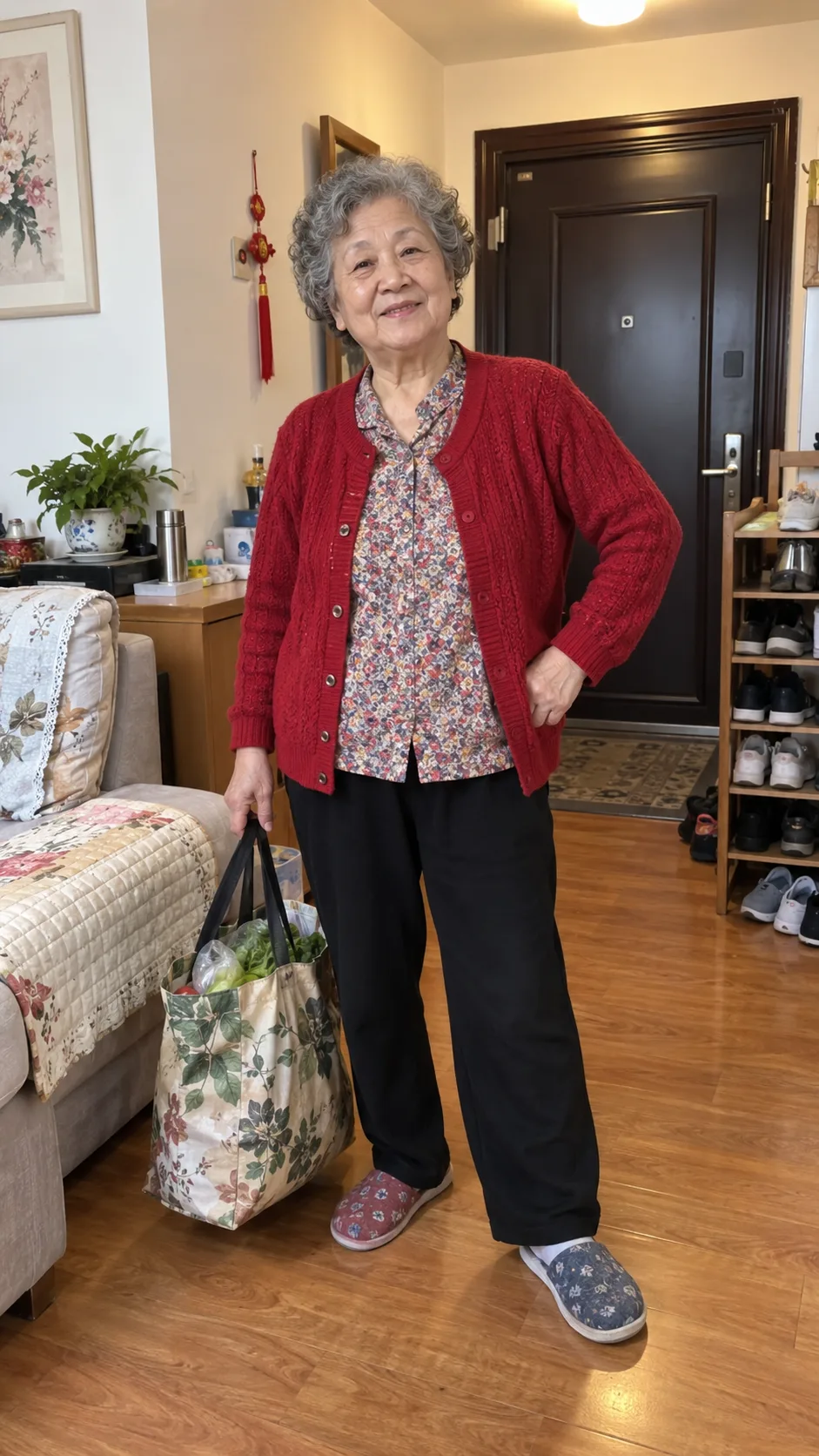
Attacker reference used for the verified generation
Attacker
First blocker reference used for the verified generation
First blocker
Later challenge defender reference used for the verified generation
Later challenge
Near-goal defender reference used for the verified generation
Near-goal slide
Chasing defender reference used for the verified generation
Chasing defender
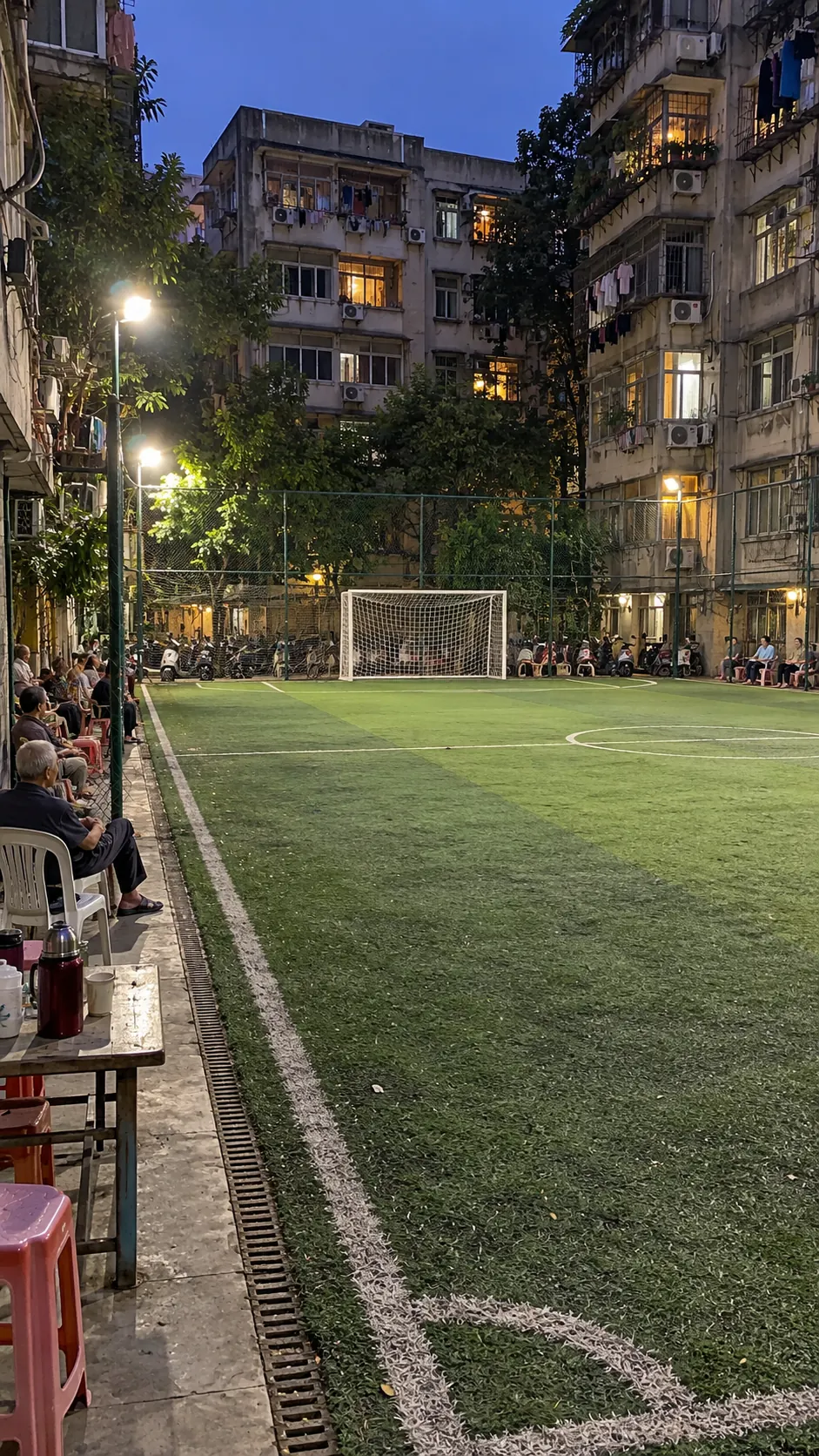
Stadium reference used for the verified generation
Stadium
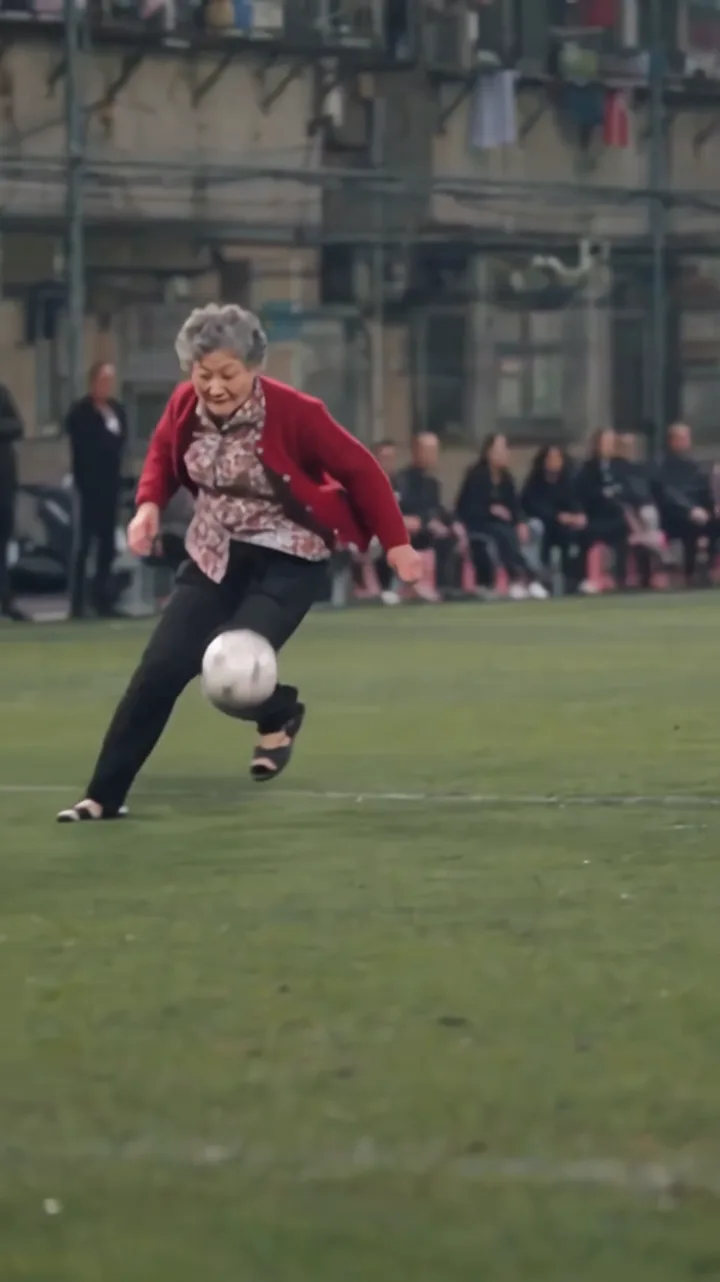
ACTUAL RESULT

Site-generated · Standard 480p · 15 seconds

This is one completed generation, not a guaranteed or average result. Faces, clothing, motion and scene details can vary between renders.
More generated results

Different characters. Same goal sequence.

Penguin on the Pitch

Example setup: Penguin attacker · rabbit, capybara, goat and bulldog defenders · rooftop pitch

Generated result · Standard 480p · 15 sec

Grandma Went Full Wuxia

Example setup: Grandma attacker · guard, scholar, attendant and veteran defenders · cuju court

Generated result · Standard 480p · 15 sec

What Is the Ozil Goal AI Trend?

The Ozil Goal AI trend puts an ordinary or unexpected character into a recognizable football sequence: lift the ball past the goalkeeper, escape the defenders and finish into an open goal.

This site creates a new AI-generated version from photos you are allowed to use. It is an independent tool and is not affiliated with Mesut Özil, Arsenal or UEFA.

Read the Ozil Goal trend explainer

Choose your attacker photo

Ozil Goal Preset vs General AI Video Tool

Use the preset for this specific goal sequence. Choose a general video tool when you need a different action, duration or format. For the available inputs and controls, explore the Ozil Goal AI template. To compare this workflow with an editing template, read the CapCut comparison.

Preset advantage

Ozil Goal AI

Action
Preset football goal sequence
People
1 attacker + 4 optional defenders
Setting
Optional stadium reference
Output
Fixed 15-second vertical video
Setup
Upload photos; no written prompt required
Best for
Making this specific goal format quickly

Comparison

General AI video tool

Action
Describe or build the action
People
Role controls vary by tool
Setting
Describe or build the setting
Output
Configure duration and format
Setup
Usually requires a prompt or template
Best for
Creating a more custom video

How to Make Your Ozil Goal AI Video

Prepare your cast, review the setup and submit the generation.

  1. 01

    Upload the attacker

    Choose a clear photo of yourself or a consenting adult, with the face, hair and upper body visible.

  2. 02

    Add optional references

    Optionally add up to four defender photos and one stadium image to guide those parts of the scene.

  3. 03

    Generate and download

    Confirm permission and submit the job. Follow its progress in My Creations, then review and download the result.

For photo preparation, generation and download details, read the step-by-step guide.

See photo requirements and result limits

Your Photo Takes the Lead

We use your uploaded photo as the scorer’s appearance reference and our built-in preset to guide the goal sequence. AI-generated details can vary, so review the finished video before sharing.

Appearance reference

The model uses visible facial features, hair and clothing from the photo. Details can shift between shots, especially during fast movement.

Generated movement

The football action, body movement and camera timing are generated. Gestures, hands and positioning can vary.

Generated football audio

The video requests football ambience and kick sounds. It does not clone the uploaded person’s voice, and audio details can vary.

Defender roles

Optional defender photos guide the assigned roles. Other players and background figures may still change.

Choose your attacker and defenders

Photo Requirements, Output & Result Limits

For better results, use a clear, evenly lit photo with one visible person. Your uploads guide the scene, but generated details can vary.

See photo requirements and result limits

Before you upload

  • JPG, PNG, WebP or HEIC/HEIF, up to 10 MB per image. HEIC/HEIF photos convert to JPG in your browser.
  • One person per photo, with their face, hair & upper body visible.
  • Choose a sharp, evenly lit image. Avoid sunglasses, heavy filters & a covered face.
  • Include the clothing you want the tool to reference.
  • Use the same checklist for every optional defender photo.

Use your own photo if you are at least 13 (with parent or guardian permission if under 18), or photos of consenting adults. Do not upload other minors, celebrities or public figures.

Check the result

  • Check the face, hands & clothing during turns and when people cross the frame. Details can change between frames.
  • The model may reinterpret clothing or add details that were not visible in the uploaded photo.
  • Check that each uploaded defender appears in the intended role. AI may also change other players.
  • Review the background details and listen to the full generated audio before publishing.

Ozil Goal AI Video Specifications

Length
About 15 seconds
Framing
Vertical video
Format
MP4
Resolution
480p or 720p request; final dimensions may vary
Audio
Generated football audio
Watermark
No site-added watermark

For photo preparation, generation and download details, read the step-by-step guide.

Ozil Goal AI Pricing

One-time payment · No subscription

Single pack: $6.99 for 22 credits — make 1 HD 720p video, or 1 Standard 480p video with 10 credits left.

View full pricing and credit rules
Choose your video pack

Single · USD 6.99

22 credits · 1 HD 720p video · no subscription

By paying, you agree to our Terms. Unused-pack refund policy. Adult payer required.

Video format and credit cost
VideoOutputCredits per video
Standard · 480p15-second vertical MP412
HD · 720p15-second vertical MP422

Purchased credits do not expire.

Failed render or serious result issue

Failed or blocked jobs automatically release reserved credits. For a completed video, request a quality review within 48 hours if the attacker is missing or clearly replaced, the core goal sequence is absent, or the file is materially corrupted. Confirmed cases receive the credits used.

Review quality credit rules

Permissions and sharing

Before publishing, check the platform’s rules and the permissions needed for your intended use.

Before you start

Ozil Goal AI FAQ

Is Ozil Goal AI free?

No. Registration does not include free credits or videos. You can watch examples and preview your photo without paying. To generate a video, sign in and buy a one-time pack.

View pricing
Can I make an Ozil Goal AI video with just one photo?

Yes. One photo of yourself, if you meet the age and permission rules, or another consenting adult as the attacker is enough. Up to four defender photos and one stadium image are optional; the model generates the unassigned parts of the scene. Sign in and use credits when you are ready to generate.

See photo requirements
How much does one video cost?

A Standard 480p generation uses 12 credits. An HD 720p generation uses 22 credits. The selected cost is shown before you submit.

View pricing
Will the result look exactly like my photo?

No exact match is guaranteed. Your photos guide the face, hair, clothing, assigned roles and stadium, but those details can shift between shots. Review the completed video before publishing it.

How long does it take, & can I close the page?

Processing time varies with the queue & generation stages. There is no guaranteed completion time. Once your task has been successfully submitted, you can close the page and return to My Creations to check its status or download the result.

Check your video status
What if generation fails or the result looks wrong?

Failed or blocked tasks return reserved credits automatically. For a completed video, request a quality review within 48 hours if the attacker is missing or clearly replaced, the core goal sequence is absent, or the file is materially corrupted. Confirmed cases receive the credits used for that task.

Review quality credit rules
Can I publish the video or use it commercially?

Use photos you have permission to upload and check the destination platform's AI-content rules. Buying credits does not grant rights to third-party footage or likenesses.

Read the terms of service
What happens to my uploaded photos?

Photos are uploaded when you submit a generation and are processed by the services needed to create the video. We schedule uploaded photos and character references for deletion from our storage about 48 hours after the task completes or fails, which supports the quality-review request window. You can delete a completed or failed task and its stored files sooner from My Creations. Browser drafts and provider copies are separate; see the Privacy Policy.

Read the Privacy Policy

Make Your Ozil Goal AI Video

Choose one attacker photo, add any optional defender or stadium references, and select Standard 480p or HD 720p before submitting.

Sign-in and at least 12 credits are required.