Photo-to-video preset
Ozil Goal AI Template: Make a Goal Video From Your Photo
Upload your own eligible photo or an authorized adult photo to create a new 15-second vertical goal video. The football action and camera sequence are preset, so you do not need a prompt or source video.
- 1 required scorer photo
- Up to 5 optional references
- 15-second vertical MP4
- 480p 12 credits · 720p 22 credits
Preset action, input photo, and actual result
15 SECOriginal goal · for context
 INPUT
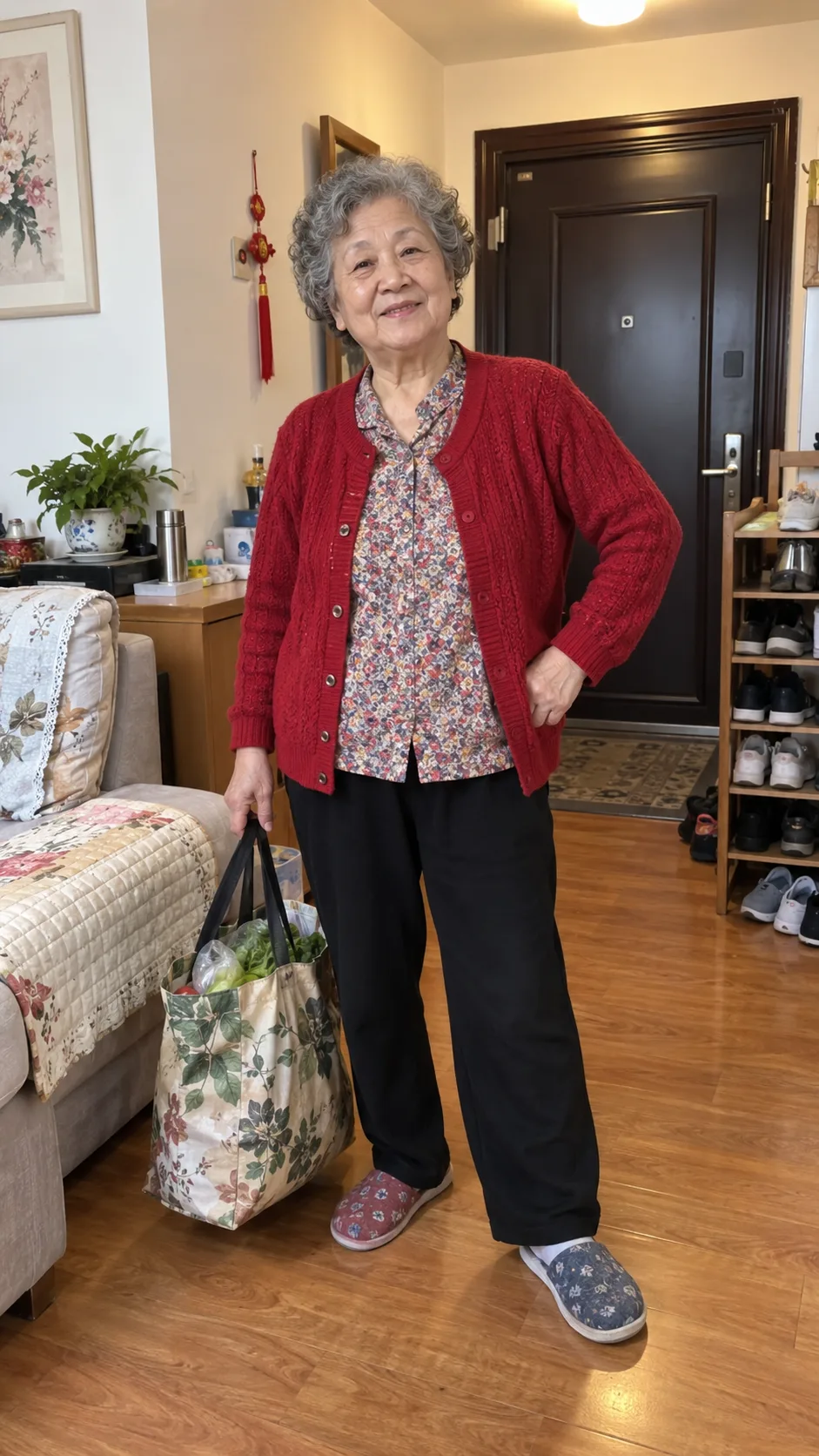
INPUTAttacker reference
Site-generated · 480p
Create your goal video
One eligible scorer photo is required. Add defender or stadium photos only if you want to guide those parts of the scene.
- Format
- 15 SEC · 9:16
- Inputs
- 1 scorer + optional defenders
- Cost
- 12 CREDITS
1. Scorer photo required
Choosing photos and reviewing them here is free. No video is generated until you sign in, confirm permission, and submit.
Privacy, storage & credit rules
Photos can be saved in this browser for up to 24 hours and are uploaded only when you submit a generation.
A completed video uses 12 credits even if the result is imperfect. Failed or blocked generations return reserved credits.
Removing a video from My Creations does not delete stored files. Privacy Policy · Terms of Service
- 15-second vertical MP4
- Saved to My Creations
- Failed or blocked jobs release reserved credits
What template means here
A preset generation workflow, not an editing project
The template fixes the type of football action and camera progression. Your images guide who appears and where the action happens. The output is a newly generated MP4, not original match footage, a face swap or a layered CapCut file.
Actual test shown above
Standard 480p
A completed site-generated result, about 15 seconds long, with generated sound.
Inputs used for this example
One fictional adult attacker reference, four optional role references and one community-pitch environment reference. This is one test result, not an average quality claim or proof of a one-photo-only render.
See the full input and method notesWhat is fixed, what you control, and what can vary
Use the required photo for the scorer. Add optional references when you want more control over the cast or setting.
- Required
- 1 eligible scorer photo
- This photo guides the lead player throughout the sequence.
- Optional
- Up to 4 defenders and 1 stadium
- Use these references only when the supporting cast or setting matters.
- Preset
- Goal action and camera sequence
- No prompt, acting footage or editing timeline is required.
- You choose
- Photos and 480p or 720p
- Review the selected images before you submit the generation.
- Output
- 15-second 9:16 MP4
- The finished video is available here and in My Creations.
- May vary
- Faces, clothing and scene details
- Photo references guide the result but do not guarantee an exact match.
From photo to finished MP4
- 01
Choose the scorer
Upload one clear photo of yourself or a consenting adult. Choosing and reviewing the image is free.
- 02
Guide more of the scene
Optionally add up to four defender photos and one stadium reference, then choose 480p or 720p.
- 03
Generate and download
Confirm permission, sign in and submit. Play or download the MP4 here or find it later in My Creations.
Which kind of template fits your task?
The word template describes different workflows. Choose by the type of control and output you need.
| Compare | Ozil Goal AI preset | CapCut template | General AI video model |
|---|---|---|---|
| Best for | Recreating this goal format with guided characters | Editing media inside an existing CapCut layout | Inventing an open-ended scene from a custom prompt |
| You provide | 1 required photo, plus up to 5 optional references | The clips or photos requested by that template | A prompt, and sometimes reference images or video |
| Setup | Choose photos and resolution. No prompt is needed | Replace media, adjust the edit and export in CapCut | Write and refine prompts, settings and references |
| What you get | A newly generated vertical MP4 | An editable CapCut project before export | A generated video based on the model and settings |
CapCut templates and general video models vary by product and version. Check the specific tool before deciding. Read the Ozil Goal AI vs CapCut comparison for a closer workflow breakdown.
Before you submit
Choose the resolution for each video
Watch the example and review your photos for free. Generation costs 12 credits at 480p or 22 credits at 720p. Credits are reserved while the job runs and released if it fails or is blocked. A completed video uses credits even if some details vary from the references.
- 480p Standard
- 12
- 720p HD
- 22
Details and limits
Common questions
These answers describe the current generator, pricing and photo rules.
Can I make a video with only one photo?
Yes. One eligible scorer photo is the only required image. Defender and stadium references are optional. Leave those slots empty and AI will create those parts of the scene.
Is this a CapCut template?
No. This page generates a new MP4 from photo references. It does not provide an editable CapCut project or separate timeline layers. You can still import the downloaded MP4 into CapCut. See the full CapCut comparison.
Do I need to write a prompt or upload a source video?
No. The football action and camera sequence are already preset. You choose the photo references and output resolution.
Can I preview the video before spending credits?
You can watch the example and review your selected photos for free. You cannot preview your own generated video before submitting. Choose 480p for 12 credits or 720p for 22 credits.
What photos can I upload, and how are they handled?
Use your own photo if you are at least 13 (with parent or guardian permission if under 18), or another consenting adult's photo. Do not upload other minors or public figures. Each file can be up to 10 MB. JPG, PNG and WebP are accepted; HEIC and HEIF photos are converted in your browser. Read the photo retention details.
What photo works best for the Ozil Goal AI video?
Choose a sharp, evenly lit photo of yourself or one consenting adult. Make sure the face is large enough to see clearly, with the hair and outfit you want in the video visible. An upper-body or full-body view can give the generator more detail for the running scene. Avoid blur, strong filters, sunglasses, cropped faces and people overlapping the subject. See the photo preparation guide.
Does the video use original match footage or sound?
No. The original clip is shown only as a reference. The generator creates a new video and requests stadium ambience and kick sounds; it does not include the original match footage or audio.
Where do I find and download my video?
When generation finishes, play or download the MP4 here. You can also check its progress and find it later in My Creations with the same account.
How can I keep my face more consistent?
Start with a sharp photo that shows your unobstructed face, hair and outfit. Watch the full result, especially profile turns and moments when another player crosses your face. If you retry, choose a clearer photo with less blur or obstruction. This preset has no face-lock control, and no source photo can guarantee an exact match in every frame. A new completed generation uses credits.
Will the downloaded video have a site-added watermark?
No site-added watermark is placed on the generated MP4. Review the result before publishing because AI can still create imperfect visual details.
What happens if generation fails?
The reserved credits return to your balance if the generation fails. Check its status here or in My Creations.
Start with one scorer photo
Add optional references only when you want to guide more of the cast or setting. Review everything before you submit.